
Pixlr
Get creative with Pixlr’s online photo editing & design tools. Including AI image generator, batch editor, animation design, enhancer & more. Try now for FREE!
Qu’est-ce que Pixlr ?
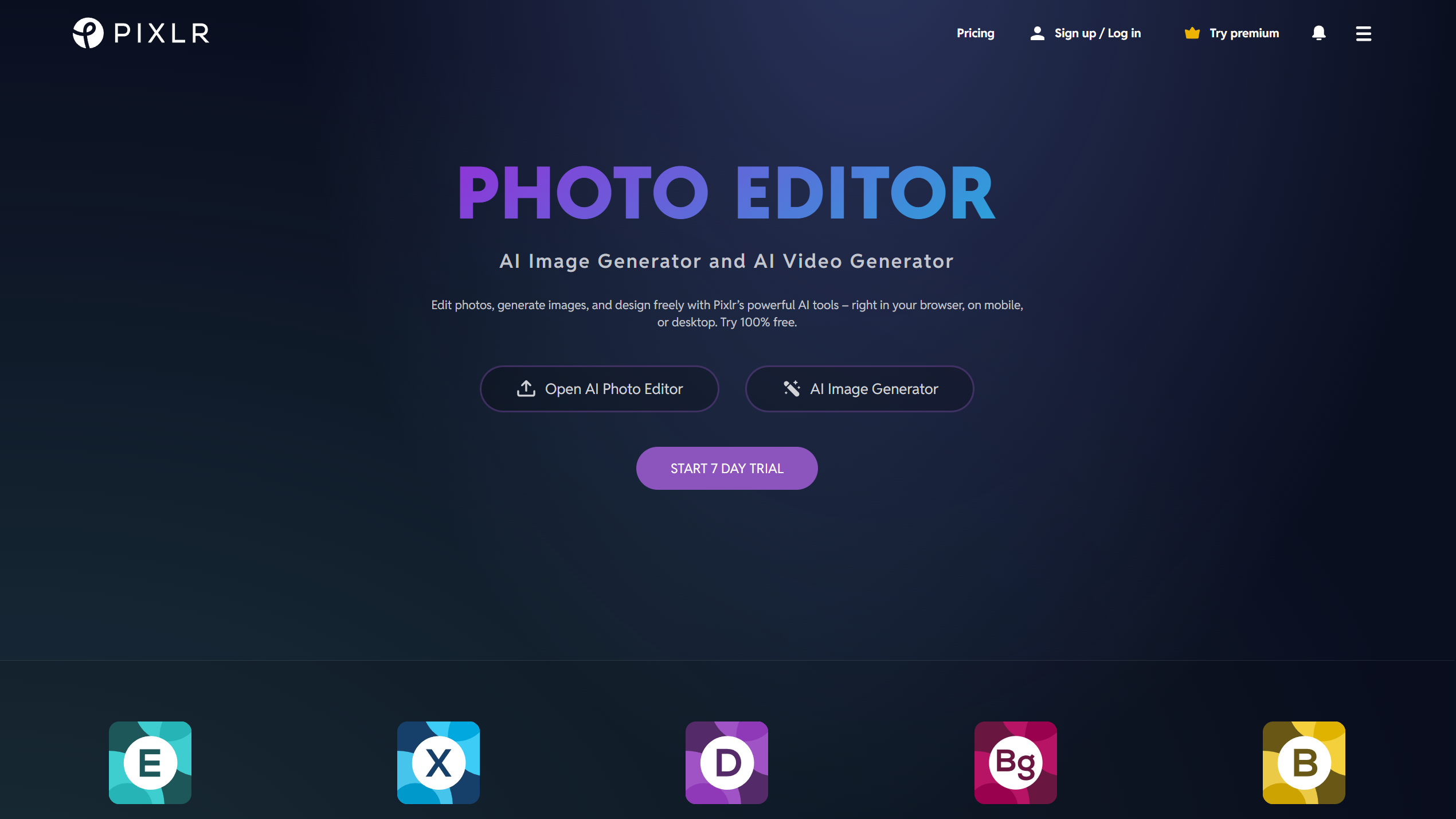
Pixlr is an online photo editing and graphic design platform that allows users to edit images, create visual content, and generate graphics directly in a web browser. It combines quick editing tools with more advanced layer-based workflows, making it suitable for both beginners and experienced creators.
Users can perform common tasks such as cropping, resizing, retouching, color correction, adding text, applying effects, and removing backgrounds. Pixlr also includes generative tools for creating, extending, and modifying images with text instructions.
The platform is designed for content creators, marketers, designers, students, photographers, and anyone who needs an accessible alternative to traditional desktop image-editing software.
Features:
-
Online Photo Editor: Crop, resize, rotate, enhance, retouch, and adjust photographs directly in the browser.
-
Layer-Based Editing: Organize images, text, shapes, and effects on separate layers for more flexible compositions.
-
AI Image Generation: Generate original visual content from written prompts.
-
Generative Editing: Add, remove, replace, transform, or extend parts of an image using text-based instructions.
-
Background Removal: Automatically separate subjects from backgrounds for product photos, portraits, and graphic designs.
-
Graphic Design Templates: Create social posts, banners, advertisements, collages, thumbnails, and promotional materials from templates.
-
Batch Editing: Resize, crop, rename, enhance, or convert multiple images within a single workflow.
Use Cases:
-
Social Media Graphics: Design posts, stories, banners, profile images, and video thumbnails.
-
Everyday Photo Editing: Correct lighting, enhance colors, remove distractions, and apply creative effects.
-
Marketing Design: Produce advertisements, campaign graphics, branded visuals, and promotional materials.
-
E-Commerce Images: Remove backgrounds and standardize product photographs for online stores.
-
Creative Compositing: Combine photographs, illustrations, text, and effects through a layer-based editor.
-
Bulk Image Processing: Prepare multiple images for websites, catalogs, social platforms, or content libraries.
Outils similaires

Gling
Gling’s AI video editing software is designed for YouTube creators. Optimize your workflow by automatically cutting out bad takes, silent moments, filler words, and background noise.

EVOTO
Evoto can enhance your workflow. Get properties listed faster with our high-quality professional AI photo editor. You can edit 1000 photos in two minutes.
Nano Banana Pro
Google’s most advanced image-making tool that "thinks" before it draws, creating incredibly realistic pictures and perfect text for professional projects.
Noter Pixlr
pour noter cet outil.
Présentez votre produit
Proposez votre outil pour gagner en visibilité auprès des développeurs ou découvrez d’autres solutions performantes.